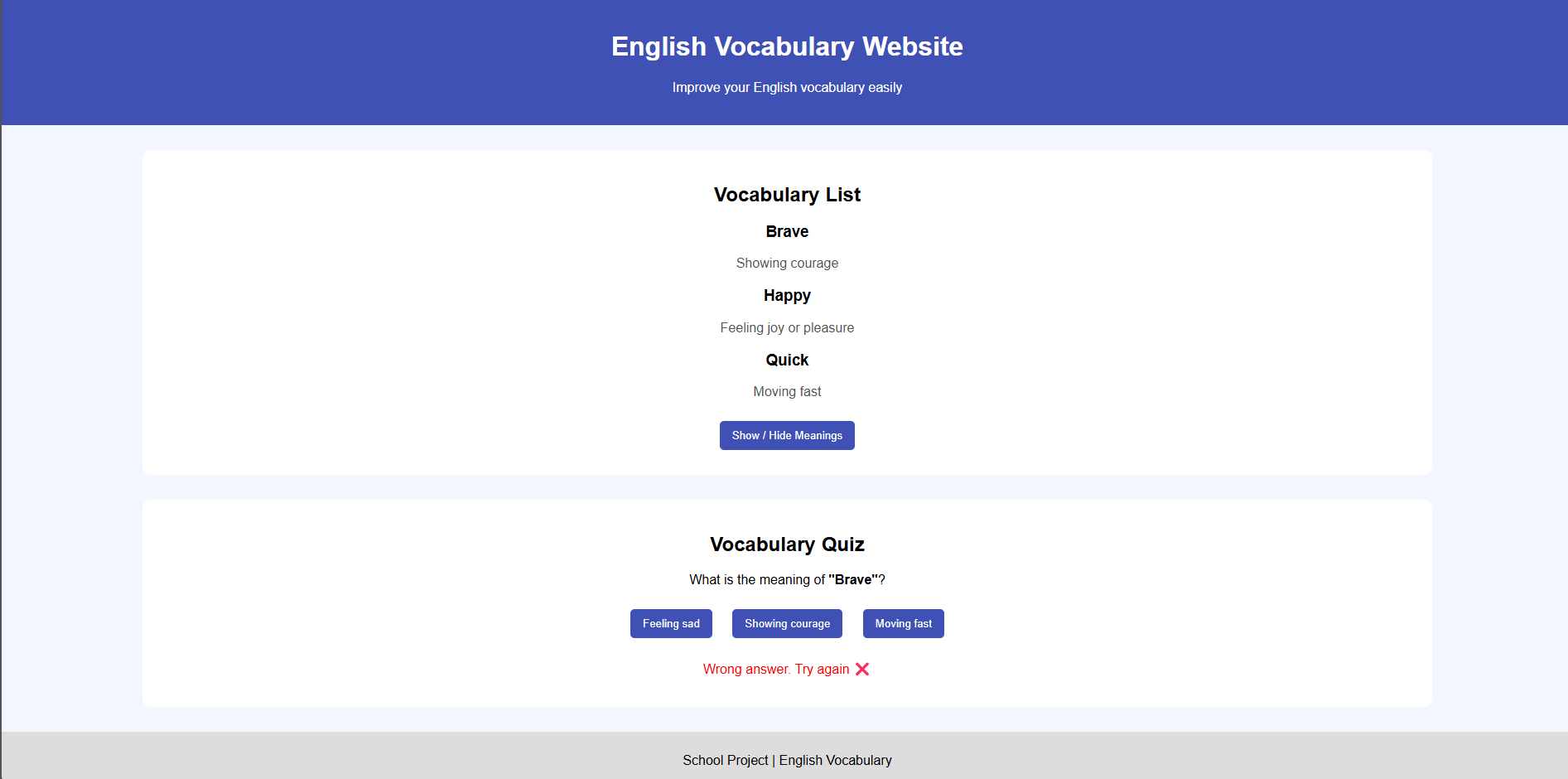
This project is an English Vocabulary Website created using HTML, CSS, and JavaScript.
The main purpose of this website is to help students learn and improve their English vocabulary in an easy and interactive way.
I created the structure of the website using HTML, which includes the heading, vocabulary list, quiz section, and footer.
To make the website attractive and user-friendly, I used CSS for styling such as colors, layout, buttons, and fonts.
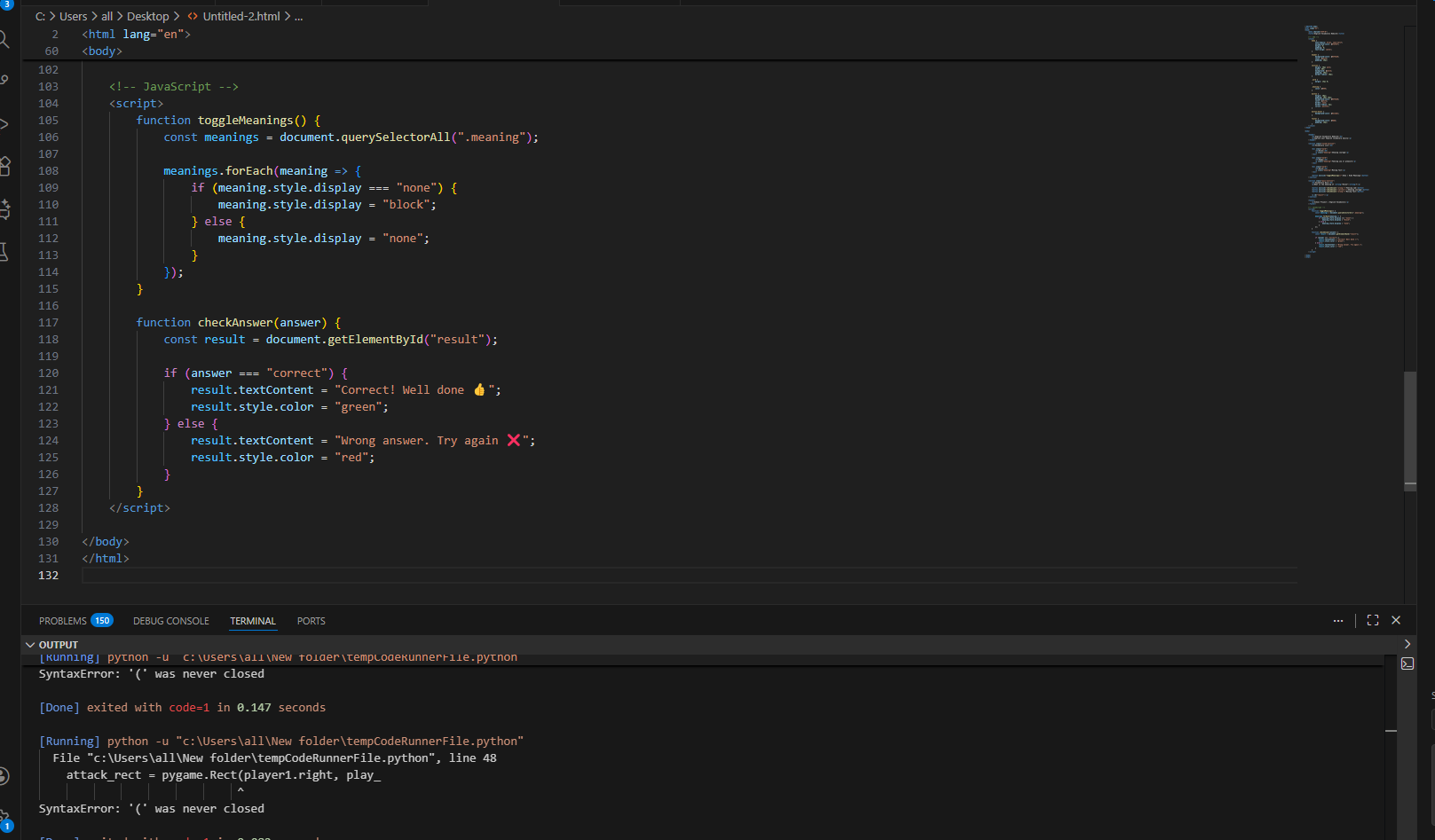
I used JavaScript to add interactivity to the website. With JavaScript, I implemented a feature to show and hide word meanings using a button. I also added a quiz section where users can answer a vocabulary question and immediately see whether their answer is correct or wrong.
All the HTML, CSS, and JavaScript code is combined into one single file, making the project simple and easy to run in any web browser without additional setup.
This project helped me understand the basics of web development, including how websites are designed, styled, and made interactive using programming.
<!DOCTYPE html>
<html lang="en">
<head>
<meta charset="UTF-8">
<title>English Vocabulary Website</title>
<!-- CSS -->
<style>
body {
font-family: Arial, sans-serif;
background-color: #f2f6ff;
margin: 0;
padding: 0;
text-align: center;
}
header {
background-color: #3f51b5;
color: white;
padding: 20px;
}
section {
margin: 30px auto;
width: 80%;
background: white;
padding: 20px;
border-radius: 10px;
}
.word {
margin: 15px 0;
}
.meaning {
color: #555;
}
button {
margin: 10px;
padding: 10px 15px;
background-color: #3f51b5;
color: white;
border: none;
border-radius: 5px;
cursor: pointer;
}
button:hover {
background-color: #2c3a8c;
}
footer {
background-color: #ddd;
padding: 10px;
}
</style>
</head>
<body>
<header>
<h1>English Vocabulary Website</h1>
<p>Improve your English vocabulary easily</p>
</header>
<section class="vocab-section">
<h2>Vocabulary List</h2>
<div class="word">
<h3>Brave</h3>
<p class="meaning">Showing courage</p>
</div>
<div class="word">
<h3>Happy</h3>
<p class="meaning">Feeling joy or pleasure</p>
</div>
<div class="word">
<h3>Quick</h3>
<p class="meaning">Moving fast</p>
</div>
<button onclick="toggleMeanings()">Show / Hide Meanings</button>
</section>
<section class="quiz-section">
<h2>Vocabulary Quiz</h2>
<p>What is the meaning of <strong>"Brave"</strong>?</p>
<button onclick="checkAnswer('wrong')">Feeling sad</button>
<button onclick="checkAnswer('correct')">Showing courage</button>
<button onclick="checkAnswer('wrong')">Moving fast</button>
<p id="result"></p>
</section>
<footer>
<p>School Project | English Vocabulary</p>
</footer>
<!-- JavaScript -->
<script>
function toggleMeanings() {
const meanings = document.querySelectorAll(".meaning");
meanings.forEach(meaning => {
if (meaning.style.display === "none") {
meaning.style.display = "block";
} else {
meaning.style.display = "none";
}
});
}
function checkAnswer(answer) {
const result = document.getElementById("result");
if (answer === "correct") {
result.textContent = "Correct! Well done 👍";
result.style.color = "green";
} else {
result.textContent = "Wrong answer. Try again ❌";
result.style.color = "red";
}
}
</script>
</body>
</html>
Discussion
Please log in to like or comment.